
Case study /03
Keyline — set up your account once
A tenant account that carries details, documents and right to rent status across every application — paired with a back office where lettings staff review the file and record a decision.
The challenge /01
Renters fill in the same form for every property.
Each application asks for the same name, the same address history, the same income figure, and the same photographs of the same passport. Renters retype it under time pressure, competing with other applicants, and the errors that creep in are exactly the ones that break a right to rent check later.
Agents get the mirror image of the problem: chasing missing documents across email threads, and finding out at the referencing stage that a detail never matched the ID in the first place.
Our approach /02
Collect it once, verify it once, reuse it everywhere.
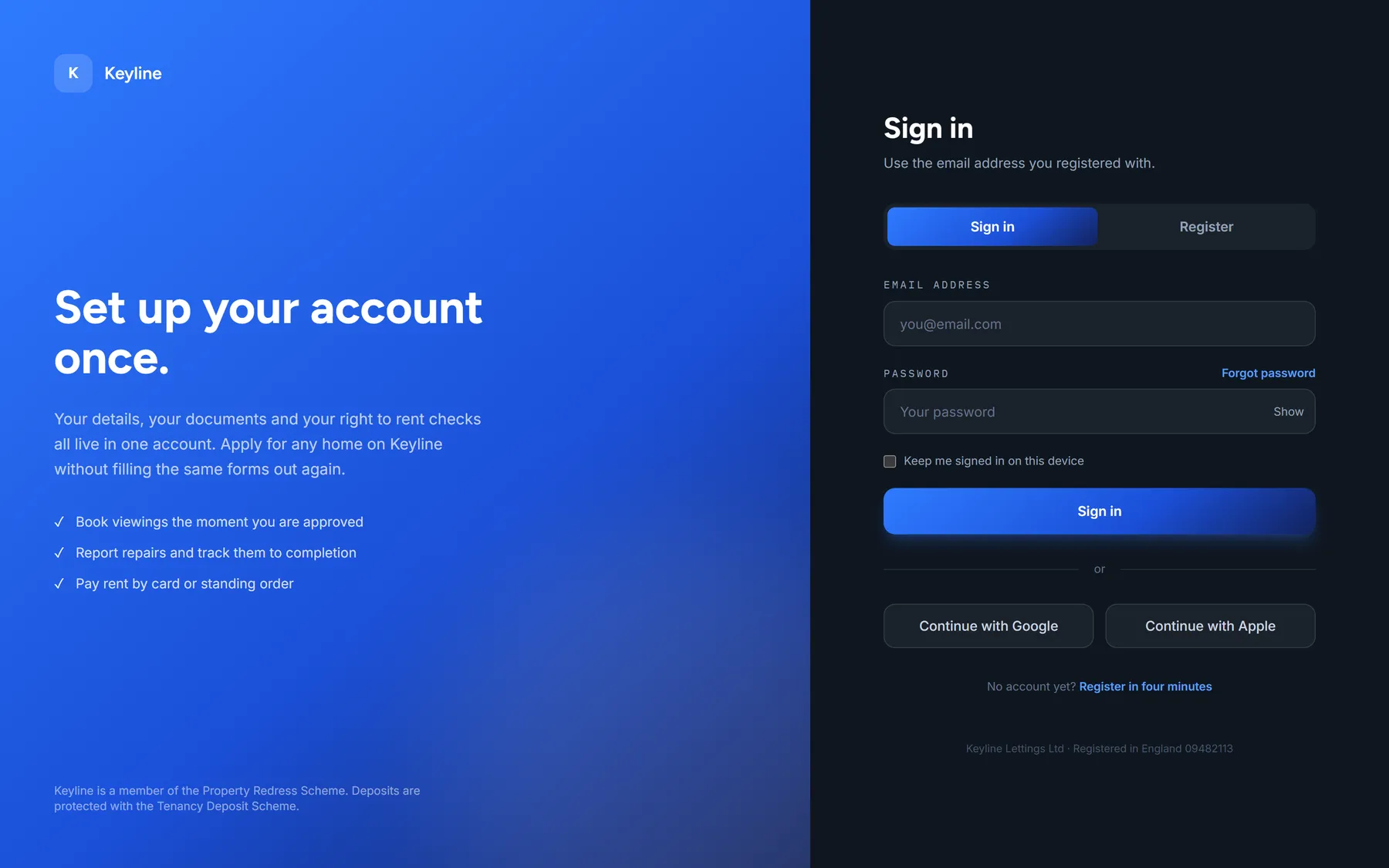
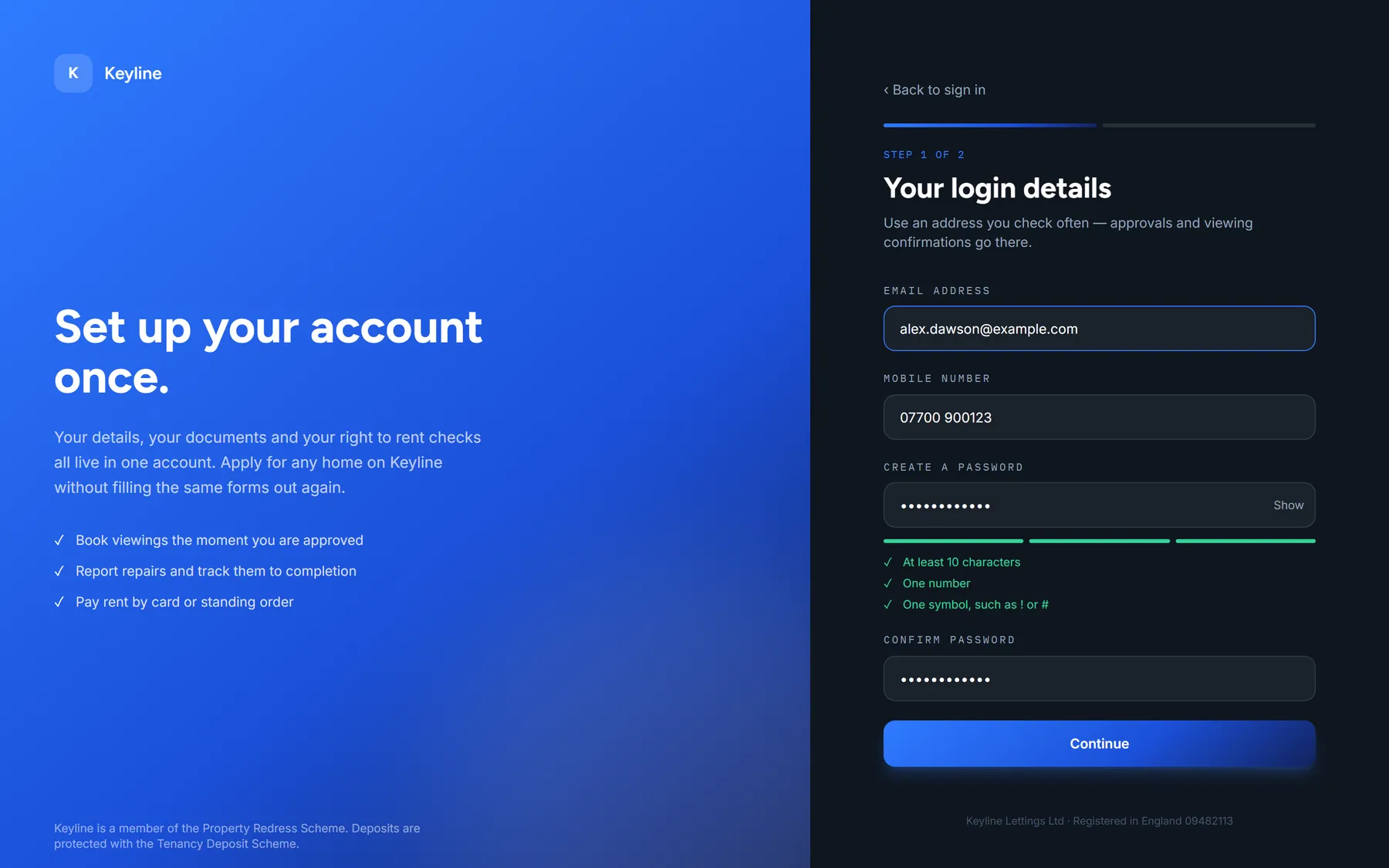
The account is the unit, not the application. A renter completes a three-step onboarding — login details, personal details and eligibility, then documents — and that verified file is what every subsequent application draws on.
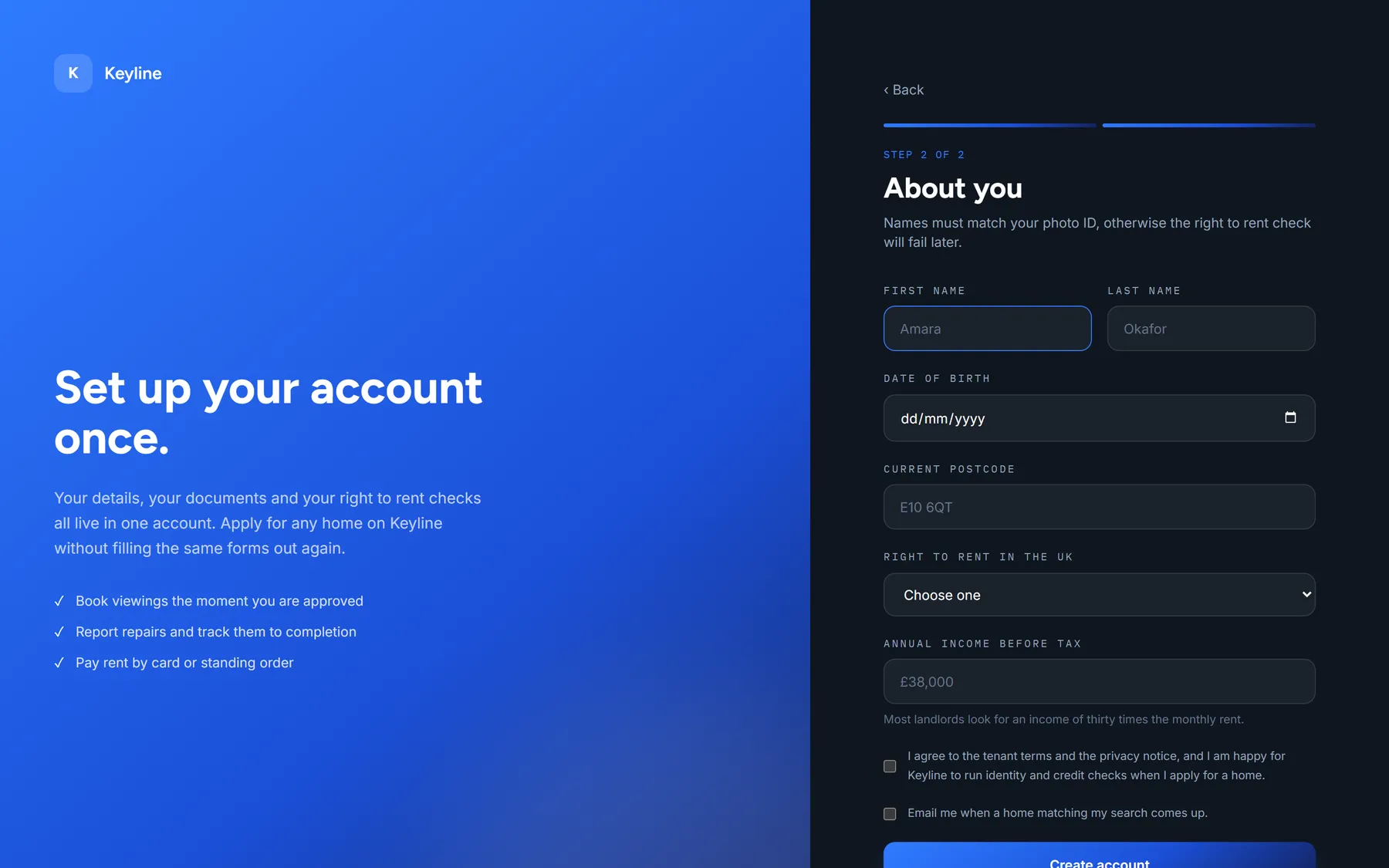
Validation runs where the mistake happens rather than at referencing. Names are checked against the requirement to match photo ID, age against the eighteen-year threshold for holding a tenancy, income against the thirty-times-monthly-rent figure landlords typically look for. The renter finds out immediately, not three weeks later.
The product /03
What we built /04
Two applications over one tenant file.
- Three-step onboarding covering login details, eligibility and document upload
- UK-specific validation for postcode and mobile formats, with an age check for tenancy eligibility
- Right to rent status captured at registration rather than at referencing
- Income guidance shown inline against the thirty-times-monthly-rent benchmark
- Explicit consent capture for identity and credit checks before any data is used
- Repairs reporting with up to four photographs per issue
- Emergency triage that routes gas, flooding and heating failures to a phone call instead of a ticket
- Password reset on a one-hour expiring link
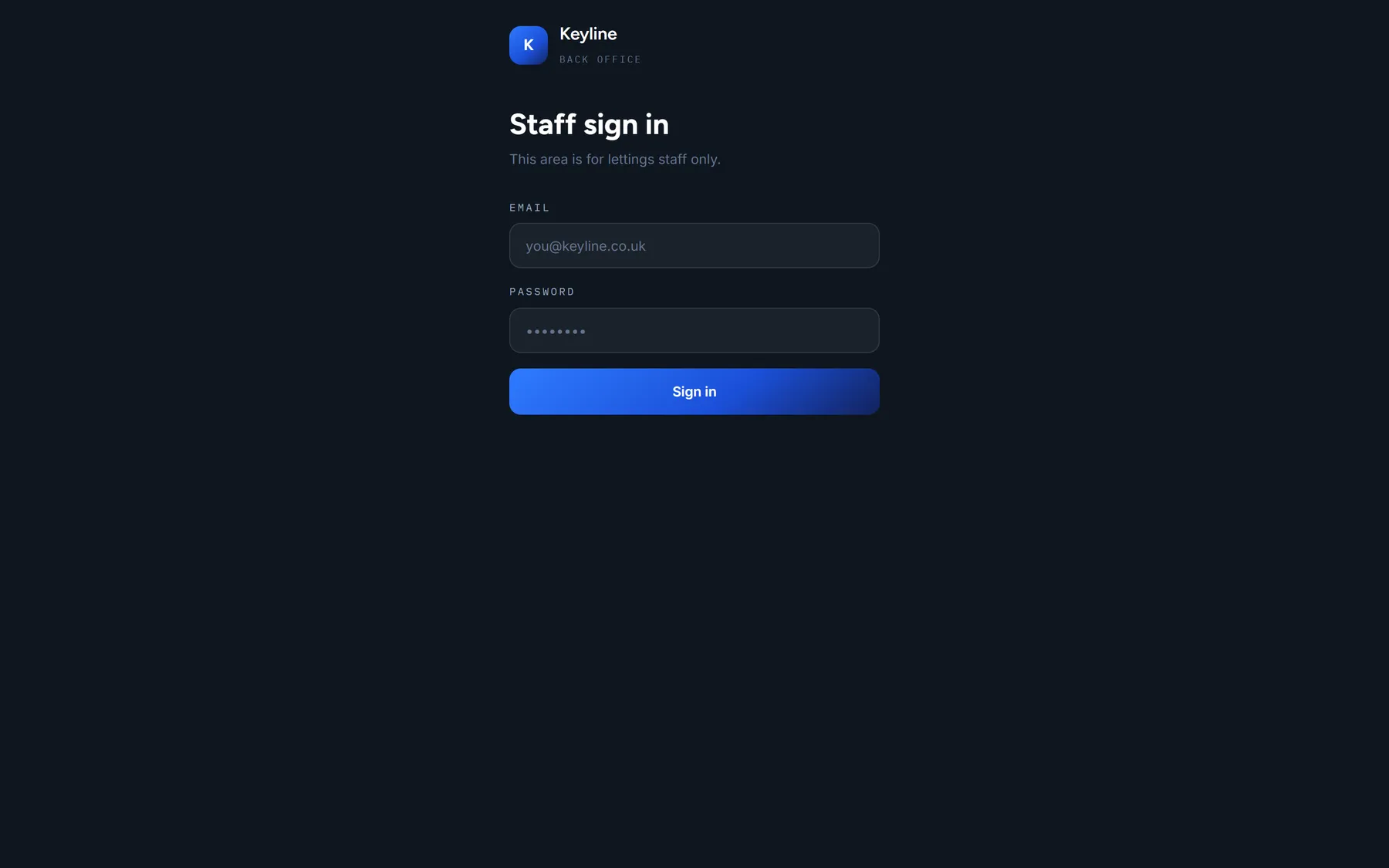
- Back office for staff to review details and documents and record a decision
The data model is deliberately small — tenant profiles, documents and repairs — because the value is in one authoritative copy of each, not in a wide schema.
Key capabilities /05
Tech stack /06
- HTML / CSS / JavaScript
- Tailwind CSS
- Supabase (Postgres)
- Row-level security
- Document storage
- Multi-step form validation